How to Build a Scalable API Gateway with Kong
Leave a comment on How to Build a Scalable API Gateway with Kong
In today’s landscape of microservices and distributed applications, effective API management is essential for ensuring scalability, security, and performance. An API gateway serves as a central access point for all API requests, managing essential tasks such as authentication, rate limiting, logging, and request routing. Kong is a widely-used open-source API gateway recognized for its flexibility, scalability, and a robust ecosystem of plugins.

Why Use Kong as an API Gateway?
Kong provides several advantages that make it an ideal choice for API management:
- Scalability: Designed to handle high traffic with minimal latency.
- Extensibility: Offers a wide range of plugins for authentication, monitoring, and security.
- Performance: Built on Nginx and optimized for low-latency API calls.
- Security: Provides authentication, rate limiting, and logging features out of the box.
- Deployment Flexibility: Supports both traditional and containerized environments.
Prerequisites
Before getting started, ensure you have:
- A Linux-based server (Here we use Ubuntu 22.04server)
- Docker and Docker Compose installed
- PostgreSQL or Cassandra database (for Kong configuration)
- Basic knowledge of API management
Step 1 – Install Kong
Kong can be deployed in various environments, including Docker, Kubernetes, and bare-metal servers. Here’s how to install Kong using Docker:
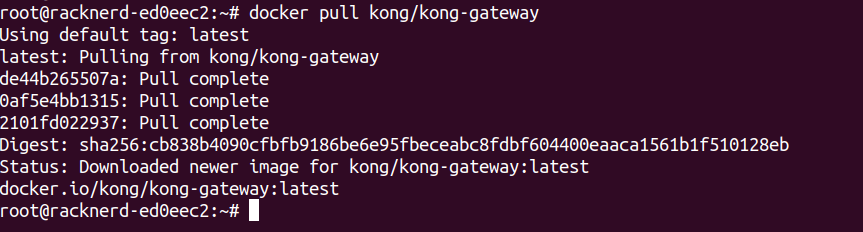
Pull the Kong Docker image:
docker pull kong/kong-gateway
Create a network for Kong:
docker network create kong-net
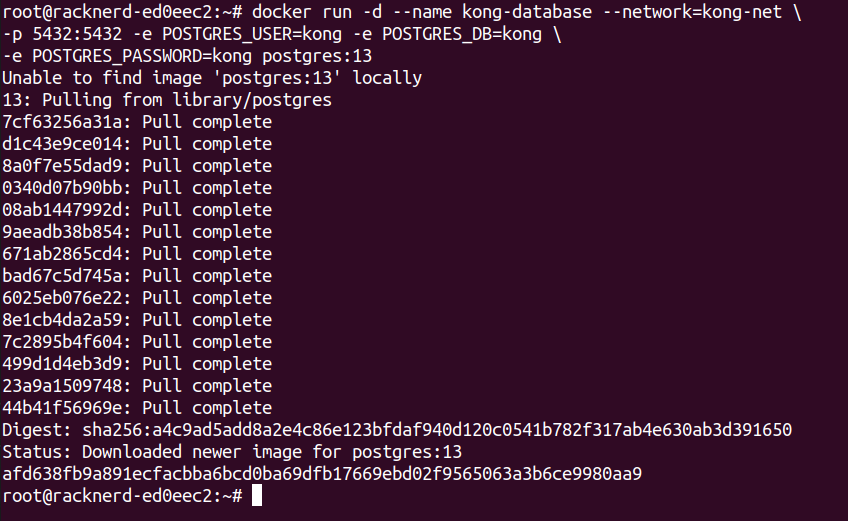
docker run -d –name kong \
–network=kong-net -e KONG_DATABASE=postgres \
-e KONG_PG_HOST=kong-database -e KONG_PG_PASSWORD=kong \
-e KONG_ADMIN_LISTEN=0.0.0.0:8001 \
-p 8000:8000 -p 8443:8443 -p 8001:8001 -p 8444:8444 \
kong/kong-gateway
Run database migrations:
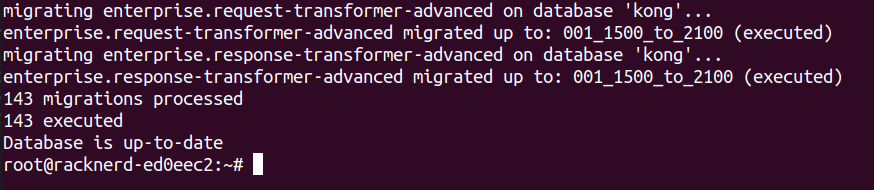
docker run –rm –network=kong-net \
-e KONG_DATABASE=postgres \
-e KONG_PG_HOST=kong-database \
-e KONG_PG_PASSWORD=kong \ kong/kong-gateway kong migrations bootstrap
Start Kong:
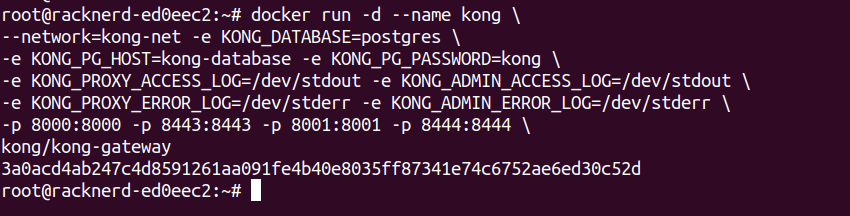
docker run -d –name kong \
–network=kong-net -e KONG_DATABASE=postgres \
-e KONG_PG_HOST=kong-database -e KONG_PG_PASSWORD=kong \
-e KONG_PROXY_ACCESS_LOG=/dev/stdout -e KONG_ADMIN_ACCESS_LOG=/dev/stdout \
-e KONG_PROXY_ERROR_LOG=/dev/stderr -e KONG_ADMIN_ERROR_LOG=/dev/stderr \
-p 8000:8000 -p 8443:8443 -p 8001:8001 -p 8444:8444 \
kong/kong-gateway
Step 2 – Configuring Kong
Once Kong is running, configure a sample API. (replace localhost with the necessary IP in the below command , if you need)
Add a service:
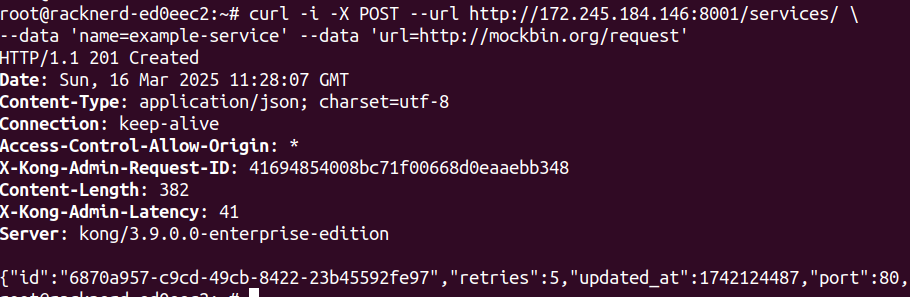
curl -i -X POST –url http://localhost:8001/services/ \
–data ‘name=example-service’ –data ‘url=http://mockbin.org/request’
Add a route:
curl -i -X POST –url http://localhost:8001/services/example-service/routes \
–data ‘paths[]=/example’
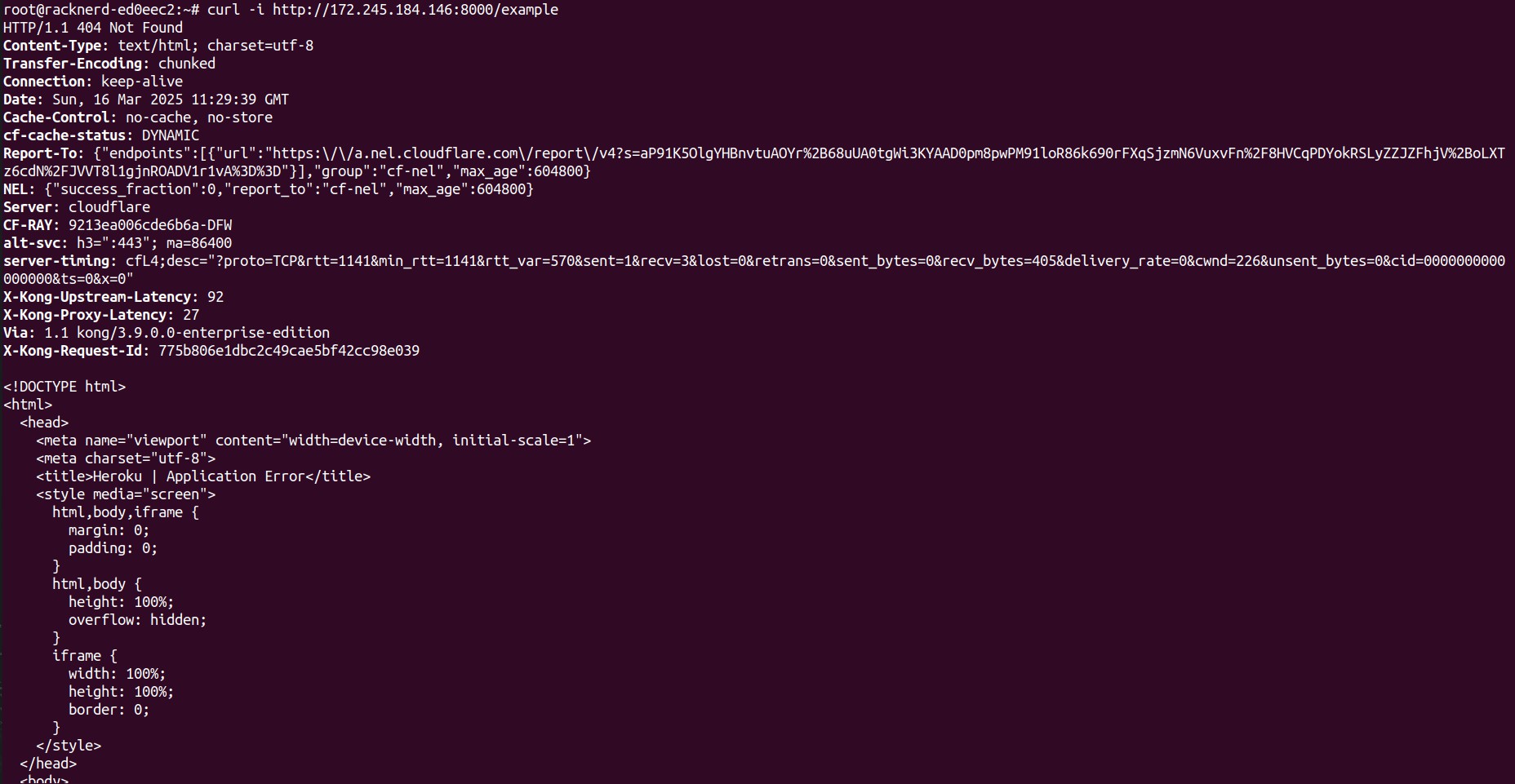
Test the API Gateway:
curl -i http://localhost:8000/example
Step 3 – Adding Security and Rate Limiting
To enhance security and prevent API abuse, apply authentication and rate limiting. Enable key-auth plugin:
curl -i -X POST –url http://localhost:8001/services/example-service/plugins \
–data ‘name=key-auth’
Create a consumer and API key:
curl -i -X POST –url http://localhost:8001/consumers/ –data ‘username=testuser’ curl -i -X POST –url http://localhost:8001/consumers/testuser/key-auth
Enable rate limiting:
curl -i -X POST –url http://localhost:8001/services/example-service/plugins \
–data ‘name=rate-limiting’ –data ‘config.second=5’
Step 4 – Monitoring and Logging
For observability, integrate Kong with tools like Prometheus and Grafana. Enable Prometheus plugin:
curl -i -X POST –url http://localhost:8001/plugins/ –data ‘name=prometheus’
Access metrics:
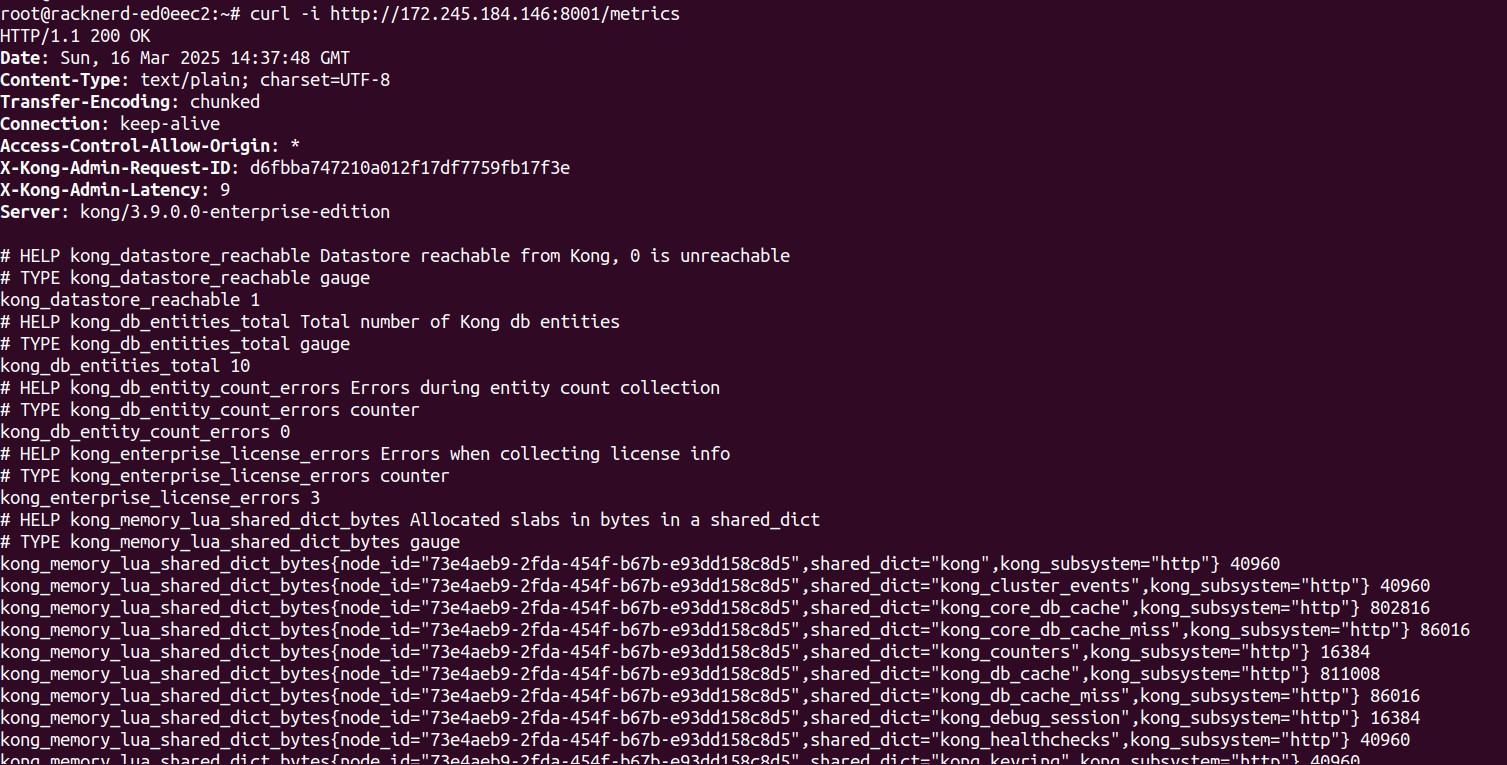
curl -X GET http://localhost:8001/metrics
Your Kong setup is now successfully responding to requests on /metrics, which means the Admin API is working!
Conclusion
Kong simplifies API management by offering a scalable, secure, and highly customizable API gateway. By following this guide, you’ve successfully deployed Kong, added API routing, implemented security measures, and enabled monitoring. You can further expand Kong’s capabilities with plugins and integrations to suit your business needs.