Top 5 Lightweight Control Panels for Your VPS in 2025
Leave a comment on Top 5 Lightweight Control Panels for Your VPS in 2025
Managing a Virtual Private Server (VPS) can be straightforward if you choose the right control panel. While powerful options like cPanel and Plesk are available, they often come with significant system requirements and licensing fees. Lightweight control panels are the best option for VPS users who have limited resources or want a more efficient solution.

As of 2025, several lightweight VPS control panels have advanced and are better than ever. Here’s our curated list of the top five lightweight control panels that offer an excellent balance of performance, features, and ease of use.
Here’s a quick list of the top five lightweight VPS control panels:
- HestiaCP – Simple, clean, and beginner-friendly
- aaPanel – Feature-rich with one-click management
- CyberPanel – Powered by OpenLiteSpeed, optimized for performance
- Froxlor – Minimalist, fast, and built for sysadmins
- Webmin/Virtualmin – Highly configurable with deep system control
1. HestiaCP
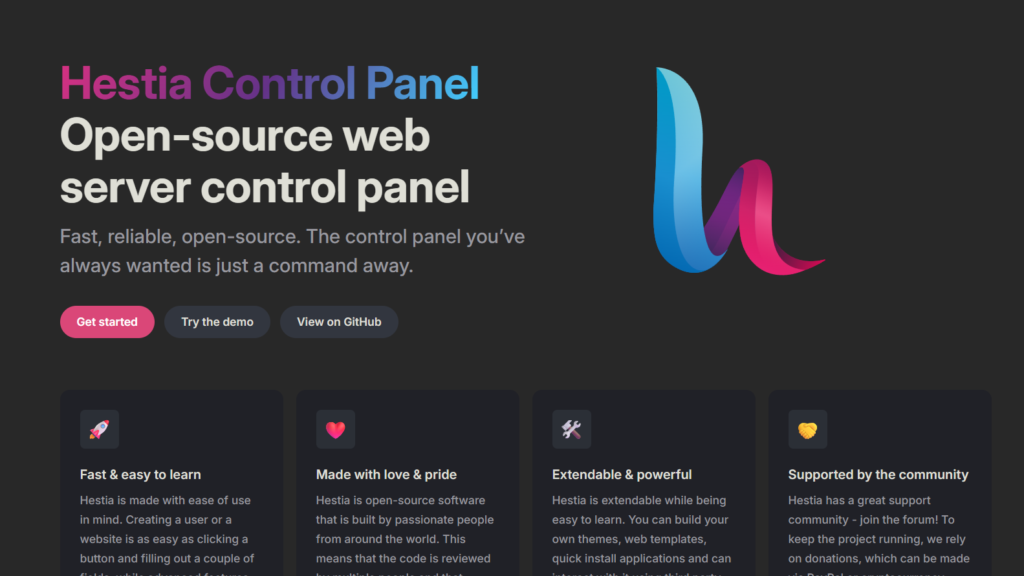
Why it stands out: HestiaCP is a modern fork of VestaCP, known for its straightforward interface and essential features packed into a lightweight package. It’s easy to install and great for hosting multiple domains with minimal hassle.
- System Requirements: 512MB RAM (1GB+ recommended), 10GB disk
- Best for: Beginners and small website owners
- Bonus: Built-in Let’s Encrypt, DNS management, and backups
2. aaPanel
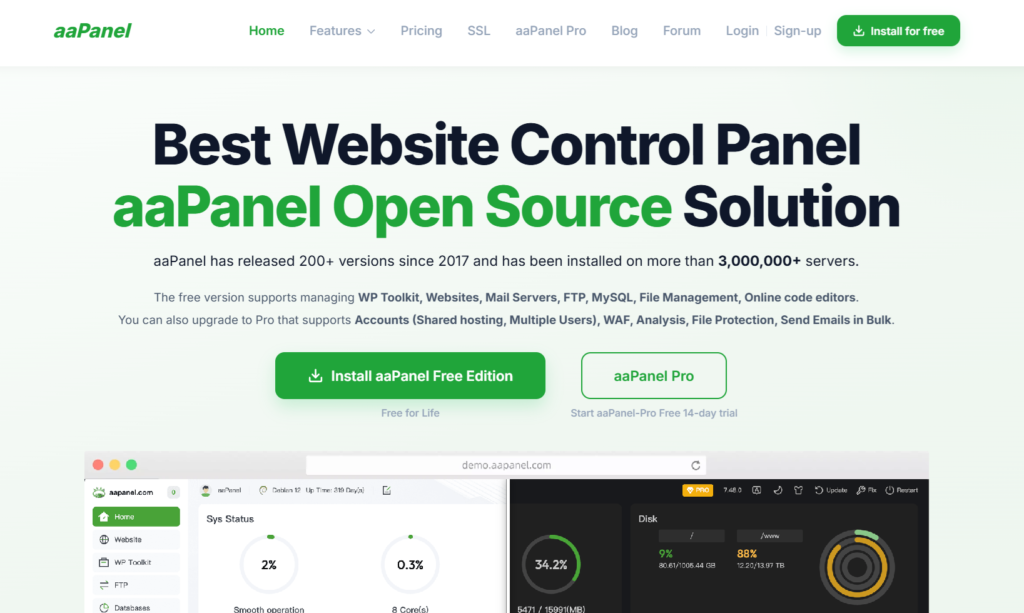
Why it stands out: Despite being light on resources, aaPanel offers a rich feature set. It has an intuitive web interface, supports multiple web stacks (LAMP, LNMP), and includes tools for SSL, FTP, databases, and cron jobs.
- System Requirements: 512MB RAM minimum (1GB+ preferred)
- Best for: Developers, freelancers, and small hosting setups
- Bonus: The plugin system adds advanced tools on demand
3. CyberPanel
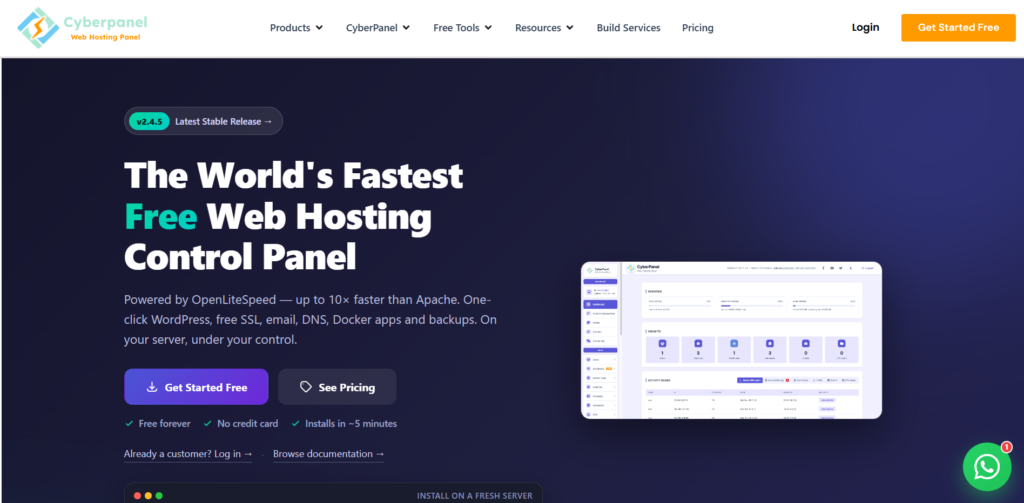
Why it stands out: Built around the LiteSpeed/OpenLiteSpeed server, CyberPanel emphasizes speed and efficiency. It’s particularly well-suited for WordPress hosting, providing LSCache and easy application deployment.
- System Requirements: 1GB RAM minimum, 10GB disk (2GB+ ideal)
- Best for: Performance-focused hosting
- Bonus: Integrated Docker support, email management, and automatic SSL
4. Froxlor
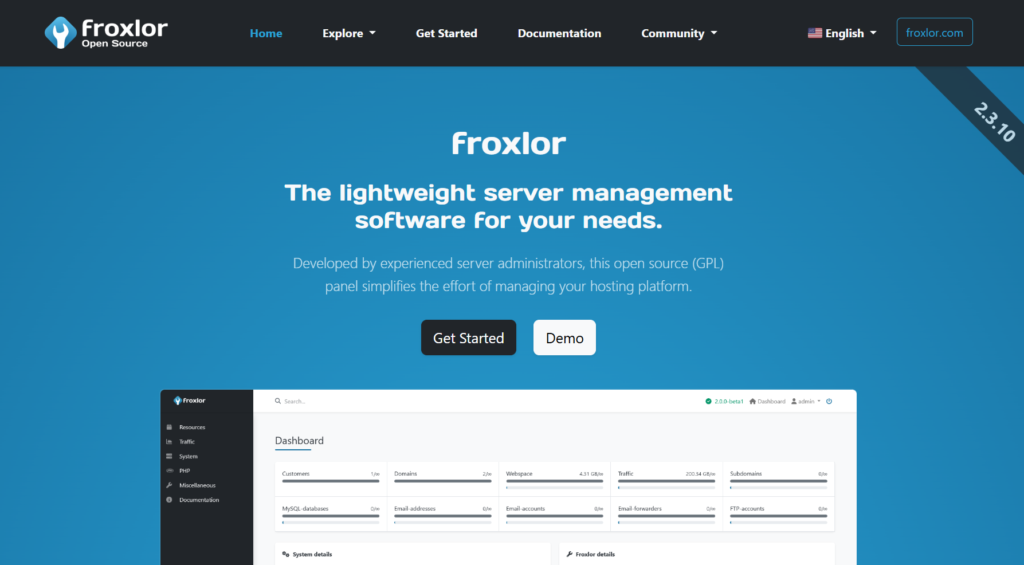
Why it stands out: Froxlor is all about maximizing efficiency. It is designed to be extremely lightweight and is best suited for users comfortable with server management. It supports quotas, reseller accounts, and customizable configurations.
- System Requirements: 256MB RAM minimum
- Best for: Advanced users and minimal VPS setups
- Bonus: Fast interface with tight integration for services like FTP, mail, and SSL
5. Webmin/Virtualmin
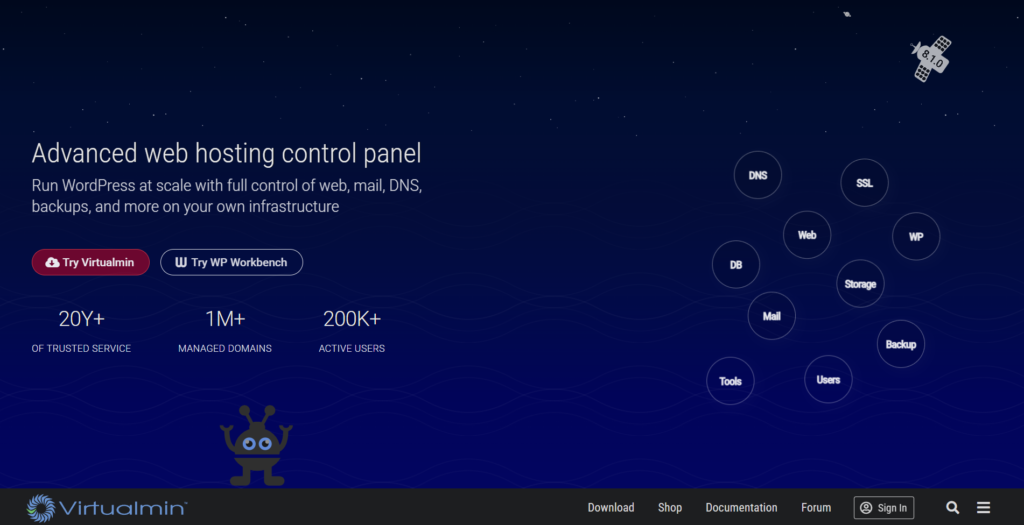
Why it stands out: Webmin is a powerful system administration panel, and with the Virtualmin module, it transforms into a capable web hosting platform. While it is more complex than others, it offers unparalleled flexibility.
- System Requirements: 1GB RAM (more recommended for a full Virtualmin setup)
- Best for: Experienced users and system administrators
- Bonus: Comprehensive control of DNS, databases, users, and email
Comparison Table
| Control Panel | Resource Usage | Ease of Use | Notable Features | Best For | Cost |
|---|---|---|---|---|---|
| HestiaCP | Light (512MB+) | Very easy to get started | Clean UI, NGINX + Apache support, AutoSSL, email and DNS built-in | Beginners, small businesses | Free |
| aaPanel | Light (512MB+) | Very user-friendly | One-click installs, plugin system, LAMP/LNMP, mobile-friendly panel | Developers, hobby projects | Free |
| CyberPanel | Medium (1GB+) | Easy but powerful | Powered by OpenLiteSpeed, built-in LSCache, Docker support | Speed-focused websites, WordPress users | Free / Pro version |
| Froxlor | Ultra-light (256MB+) | Minimal interface | Great for tight control, user/resource quotas, simple email setup | Experienced sysadmins, minimalist setups | Free |
| Webmin + Virtualmin | Medium (1GB+) | Learning curve involved | Full system control, virtual hosting, DNS, mail, and databases in one place | Power users and advanced administrators | Free / Paid Pro |
Conclusion
A lightweight control panel can free up valuable server resources while still providing the tools necessary to manage websites, domains, and services. Whether you’re hosting personal projects, client websites, or email servers, there’s a panel on this list that will meet your needs without slowing down your VPS.